SumPDFv1.3.1
Welcome to SumPDF
Your all-in-one PDF tool. Effortlessly combine multiple PDF files and convert various documents or images to PDFs. Free and open-source.
100% Free & Open Source
No hidden fees, no trials, and no credit card required. Forever free and transparent.
Works Completely Offline
Process PDFs without internet connection. Your files never leave your computer.
No Account Needed
Start using immediately. No sign-ups, no accounts, no email required.
Privacy First
Your documents stay private. No data collection, no cloud uploads, no tracking.
Powerful Features
Everything you need to manage your PDFs efficiently.
See SumPDF in Action
A glimpse into the user-friendly interface of SumPDF.
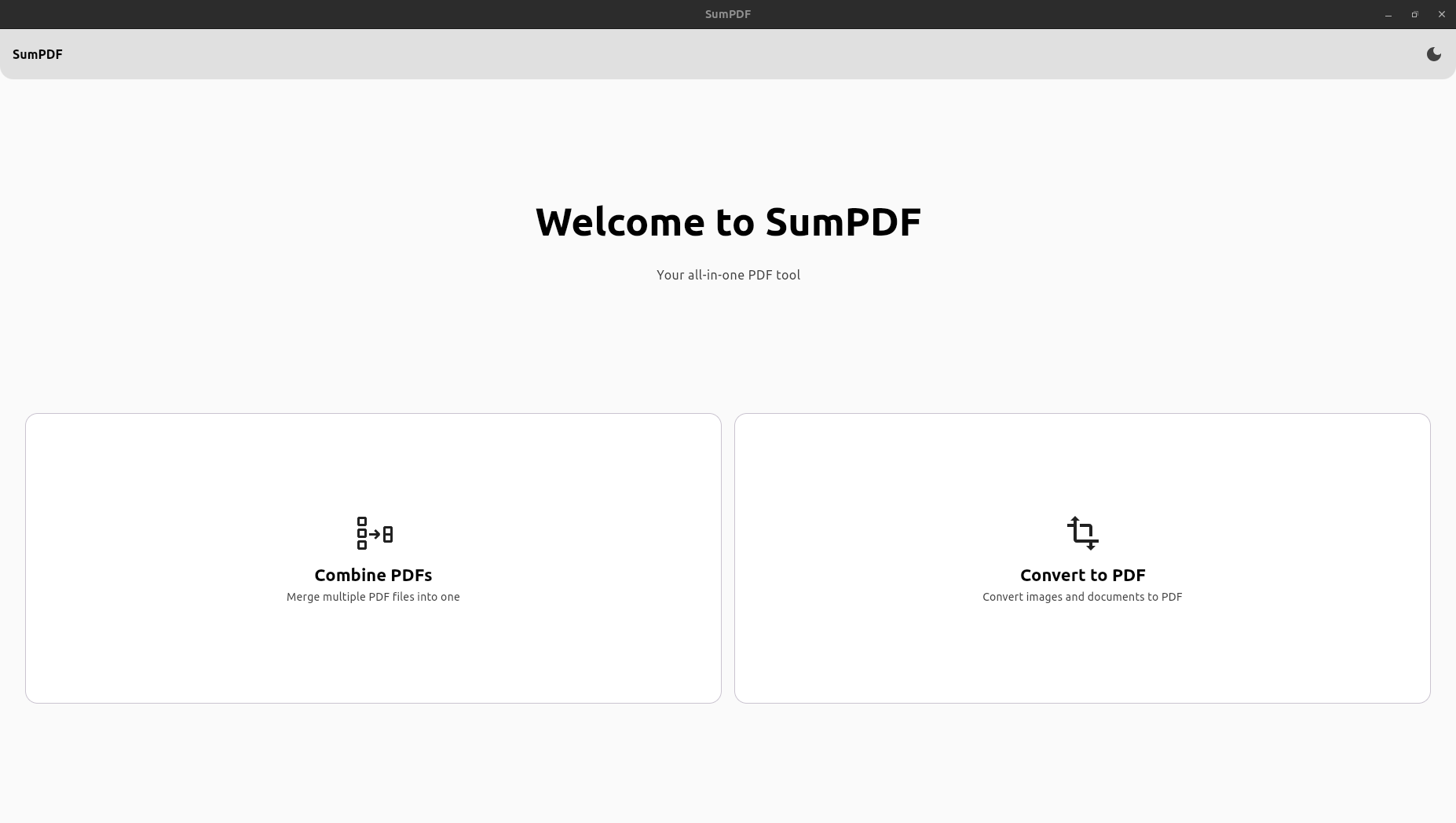
Intuitive Home Screen
Clean and user-friendly interface for all your PDF needs
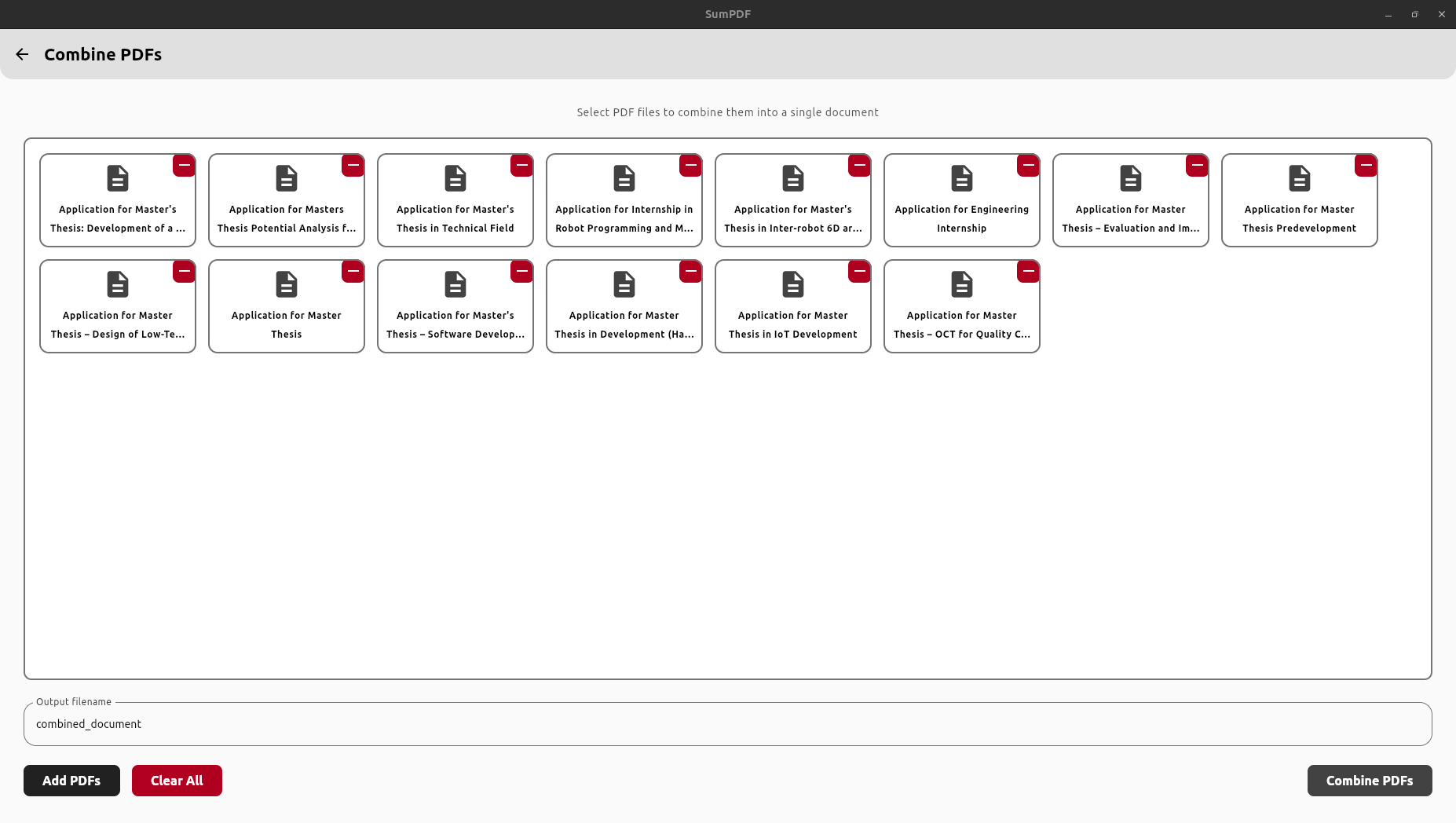
Combine PDFs Interface
Merge multiple PDFs with simple drag and drop
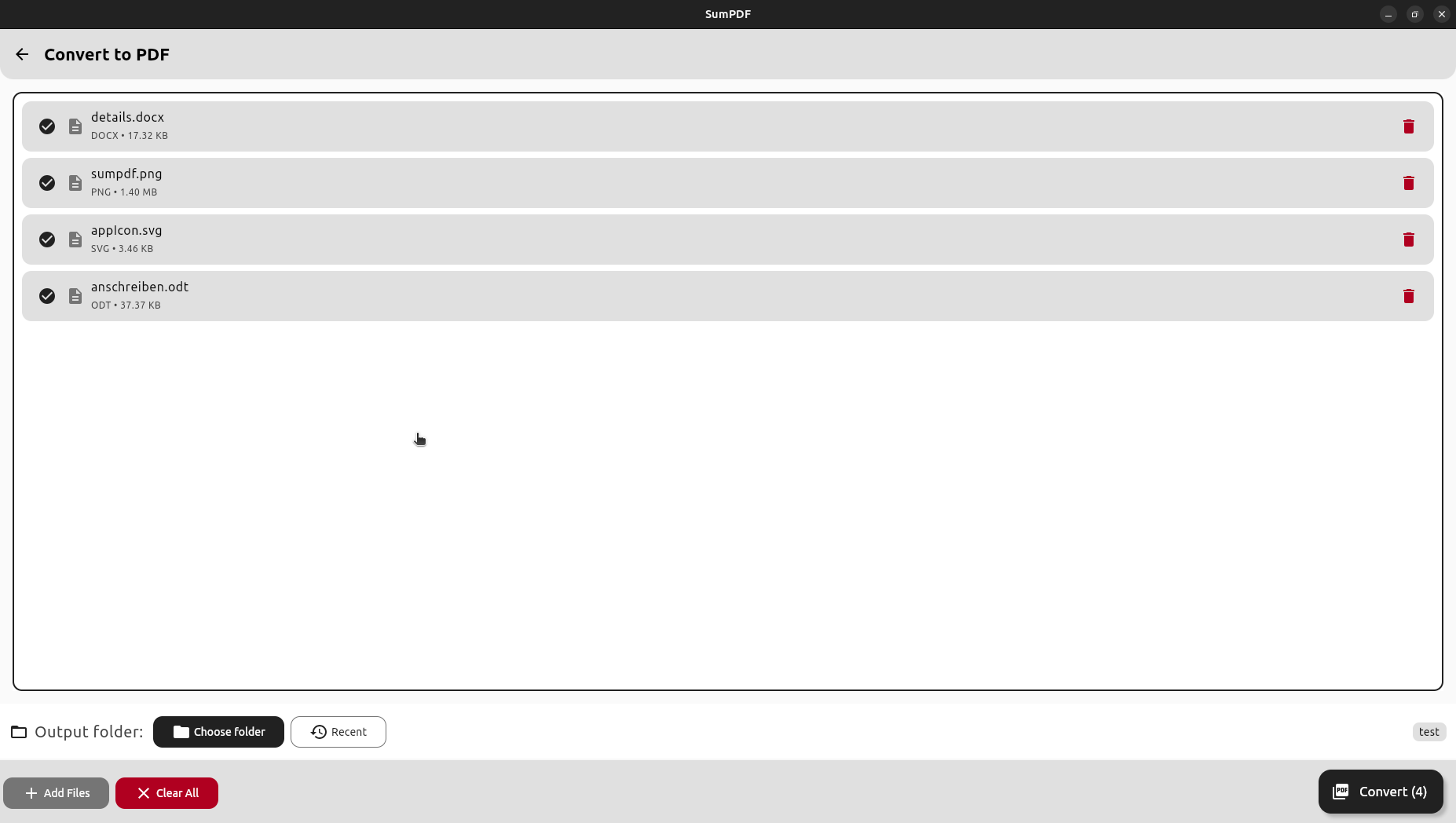
Convert to PDF Interface
Convert various file formats to PDF seamlessly
Get SumPDF
Download the latest version for your operating system.
Installs SumPDF on your C drive
Installation steps:
- Double-click the downloaded MSI file
- Follow the installation wizard
- Launch SumPDF from the Start Menu
Build from Source
For developers who want to build SumPDF from the source code.
Cloning the Repository
Running the App
Linux/macOS:
Or with hot-reload for development:
Windows:
Or with hot-reload for development:
Want to Contribute?
SumPDF is open-source and I welcome contributions from the community.